
Circuits
Design circuits with AI and turn them into connected devices.
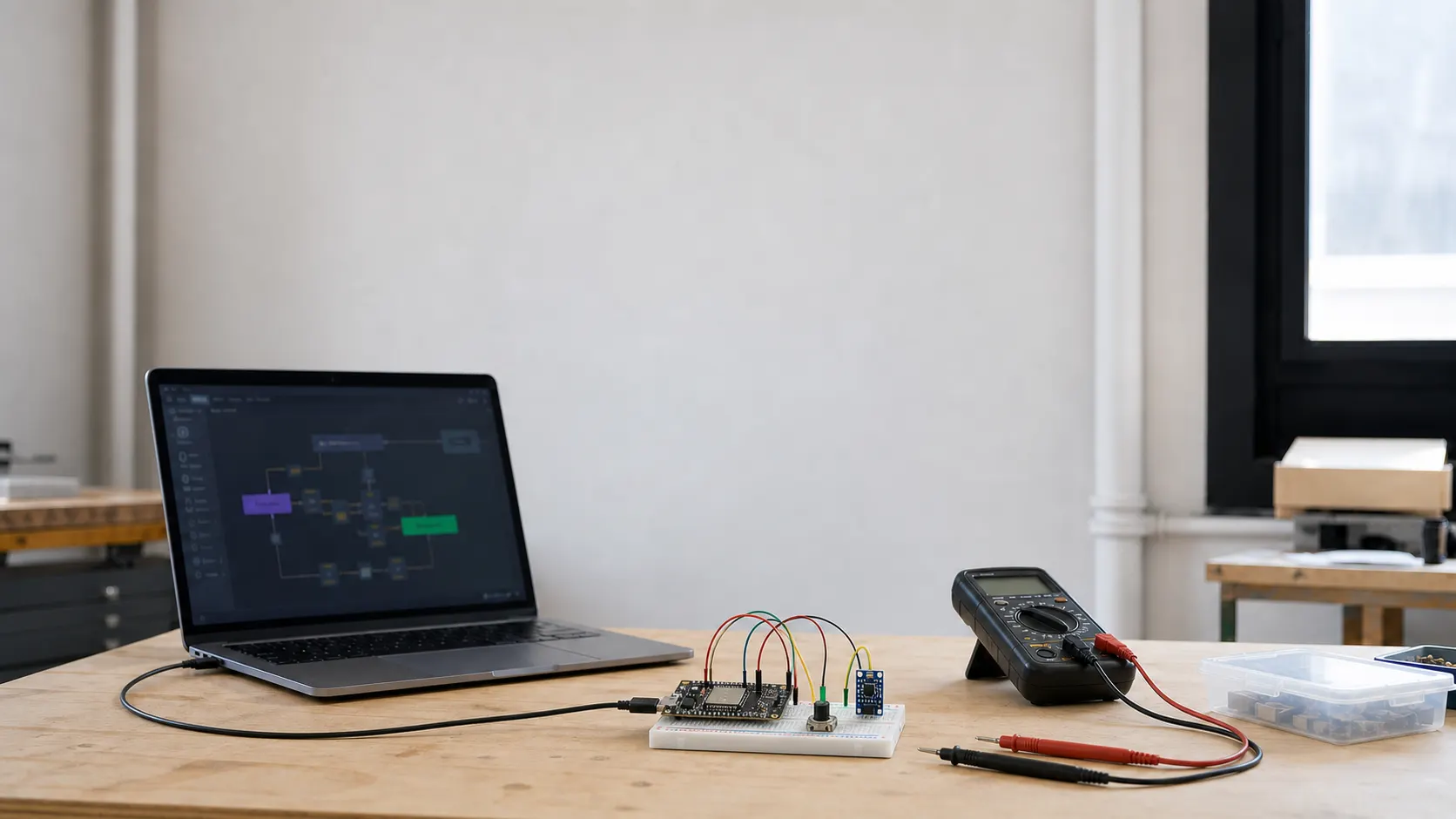
Turn a device idea into components, a netlist, breadboard wiring and a routed PCB view you can review in Vento.
From a circuit to a system that works
Circuits makes electronic design part of the same workflow as the software around the device. You can revise connections, move components and reroute the PCB while the purpose of the project stays in context.
Once the circuit is ready, Vento can help create the firmware, connect the device and use its data in dashboards, automations and AI agents. The result is not an isolated diagram, but the electronic starting point of a connected system.
From electronics idea to connected device
- 01What the device should do
- 02Netlist and breadboard
- 03Routed PCB view
- 04Firmware and connected system
How you build it with Vento
Three steps, from an electronics idea to a connected device.
Describe what the device should doExplain what it needs to sense, process or control and mention the board or components you want to use.
Go build: Circuits.
Try asking Vento
Go build: Circuits.
Describe it, Vento builds it.
Build a breadboard weather device with an ESP32, BMP280 and status LED
- Build a motion-controlled relay circuit with safe controller pins and complete wiring
- Build an updated PCB design by replacing the microcontroller and remapping every affected connection